Cappelli
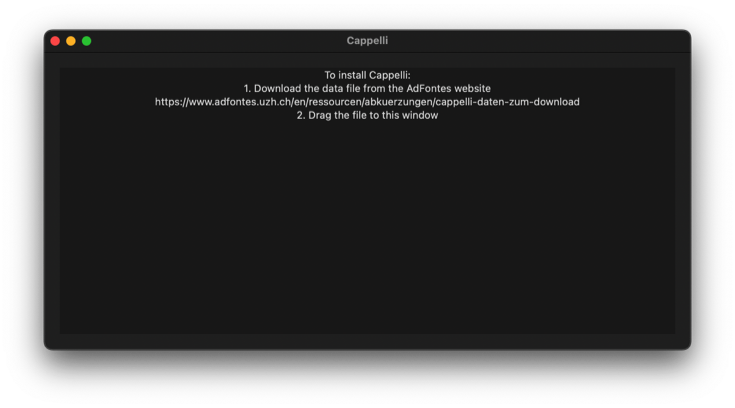
Window->Cappelli shows a window which can search for abbreviations in the crowd-sourced Cappelli file managed by the Ad fontes initiative at the Universität Zürich. To install the Cappelli file:
- Download the Cappelli Data file from https://www.adfontes.uzh.ch/en/ressourcen/abkuerzungen/cappelli-daten-zum-download.
- Drag the file to the Cappelli window.
LatinEdit will install the data file and the window will update. This process only needs to be performed once.
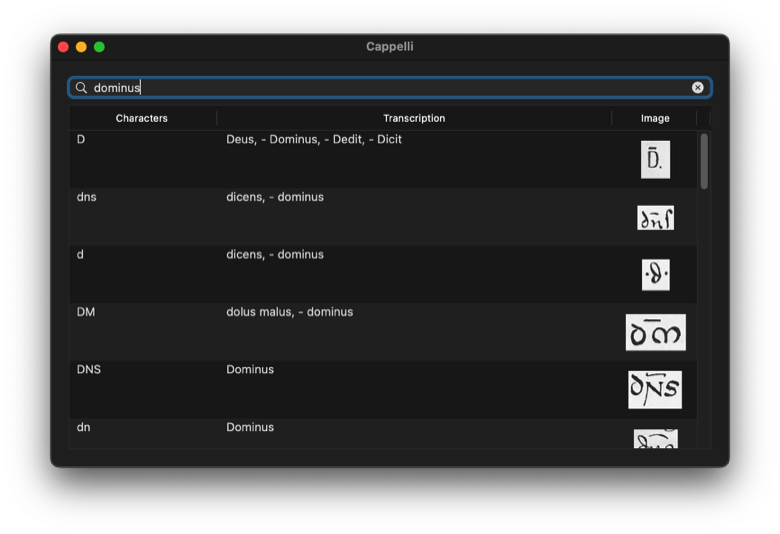
Searching
To search for an abbreviation or word, type in the search box.