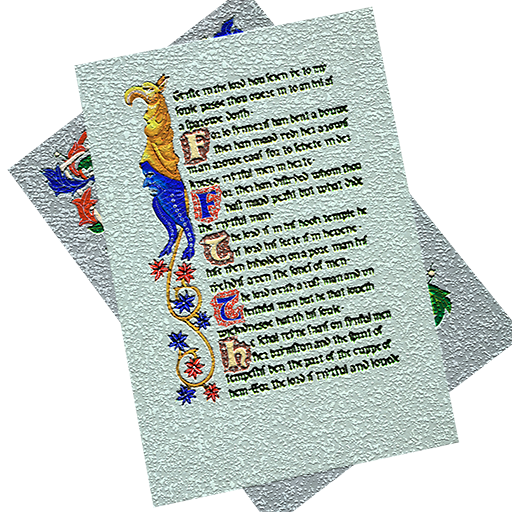
Version 1.2
Rule a calligraphy practice page in moments.
iPlummet is a simple macOS utility for quickly ruling up a page to write on. It makes it easy to prepare rough drafts and practise calligraphy.
Please do not use it on your good paper or vellum for your finished masterpiece. Even if your printer survives the experience, you will probably find the lines difficult to erase!

To use
Enter the height of the ascender, body, descender and line gap in pen widths, choose the width of the pen you will be using, then choose Print.
You can add as many layouts as you like using the + button. Some default nib sizes are included to get you started, and you can change the list in Preferences.
By default, iPlummet fills the page with lines. To try a custom page size, enter values in the custom page box. This does not override Page Setup; it frames a smaller area in the middle of the page.
Change the number of lines using the Lines on Page field. For slanted lines, enter the angle in degrees and the desired spacing in Slant Gap. You can also print vertical lines by entering their spacing in Vert Gap.
Requirements
iPlummet requires macOS 10.11 or later. It is written for Mac and is not available for other platforms.
A colour printer is recommended. Fine colour lines may not always print clearly on a greyscale laser printer. If this happens, change the line colour to black or increase the line width.
Comments and suggestions
iPlummet is provided freely. If you have comments, find part of the program difficult to use, or think the documentation could be improved, please use the email function in the Help menu.